This an extension of a post from before.
C#: Find all permutations of a string, parse a dictionary, cheat at Scrabble.
ScrabblePlayer is a combination of my own joyous curiosity and an accumulation of my previous posts. It is not built for performance.
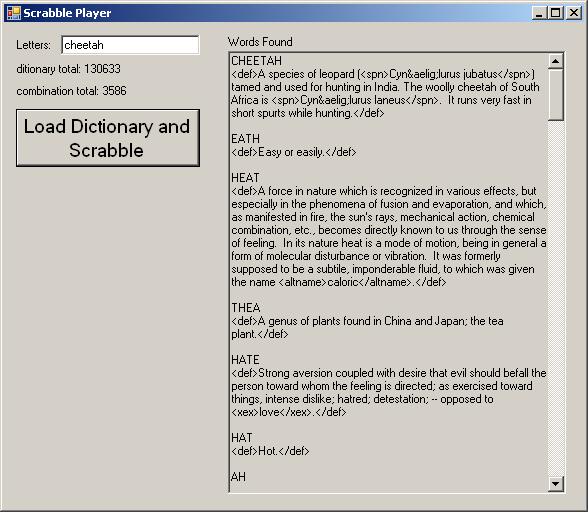
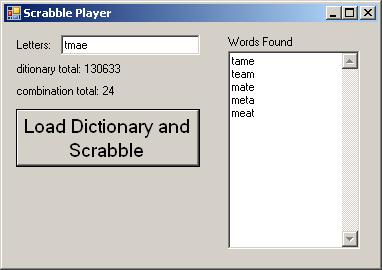
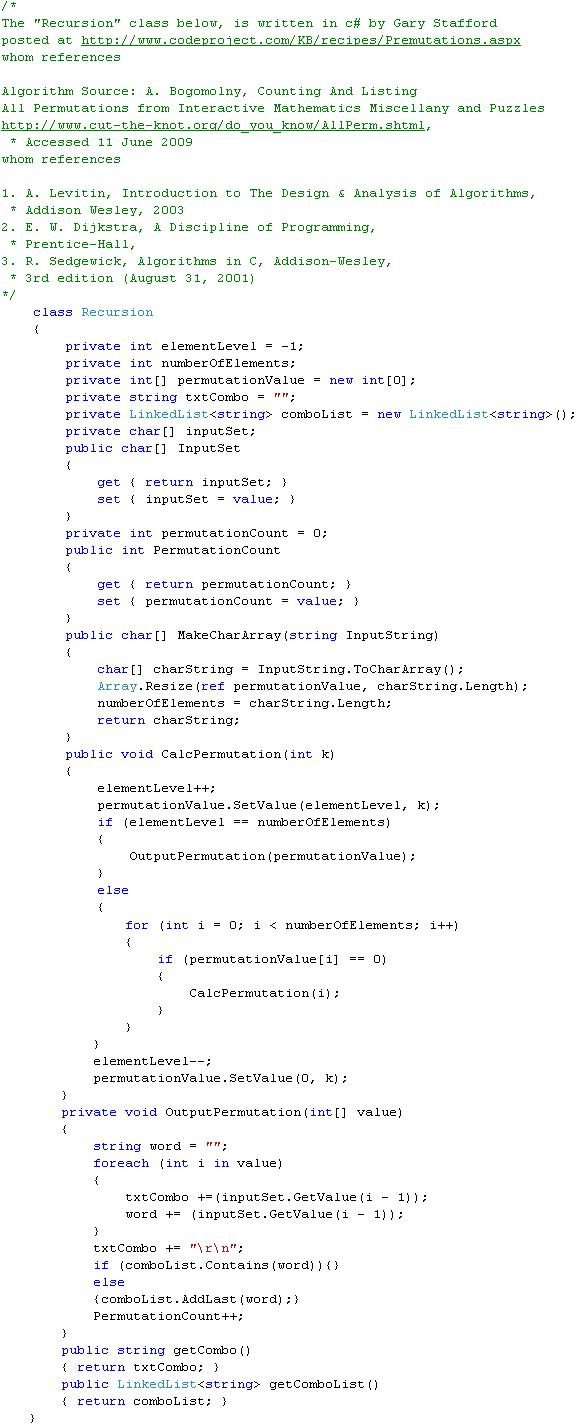
This program accepts an input of English Letters from the user. It then, figures out all possible permutations of the characters(letters), as well as, all permutations of sub-combinations down to a length of two.
Example: User inputs the word “abcd” ;
sub-combinations and -> permutations of input “abcd“
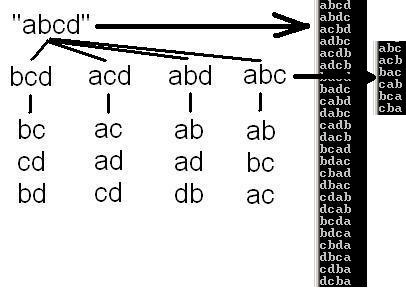
each set has its own permutations recurviely.
1.) abcd : 4 characters, 24 permutations; (1*2*3*4)
2.) abc : 3 characters, 6 permutations; (1*2*3)
3.) ab : 2 characters, 2 permutations; (1*2)
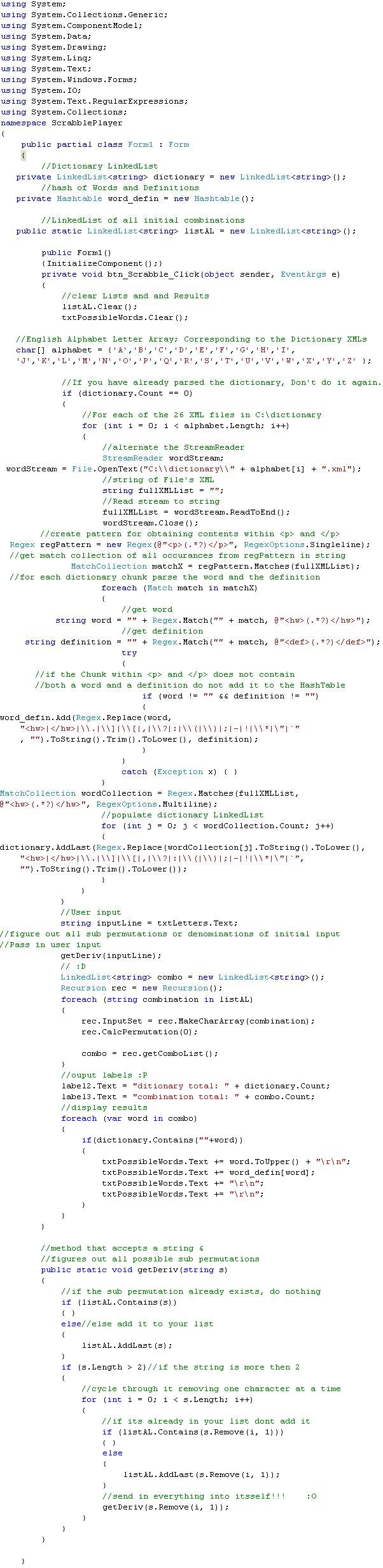
Next, ScrabblePlayer parses a set of XML files which contain Websters Dictionary content. The parsing populates both a LinkedList and a HashTable. LinkedList<string> is set to the word, HashTable<string, string> is set to word as Key, and definition as Value.
After a LinkedList of both the accumulated permutations and dictionary words is created, ScrabblePlayer compares them. If a permutation of the User’s input is found in the dictionary word list, it is displayed along with its definition.
The dictionary can be downloaded at http://www.ibiblio.org/webster/. I have renamed all the files ( A.xml, B.xml, C.xml, and so on ) .